
When your laptop or desktop begins to slow down, you usually assume it’s “just old”. In most cases, the actual problem lies within the storage drive, particularly if you are using an old-school hard drive.
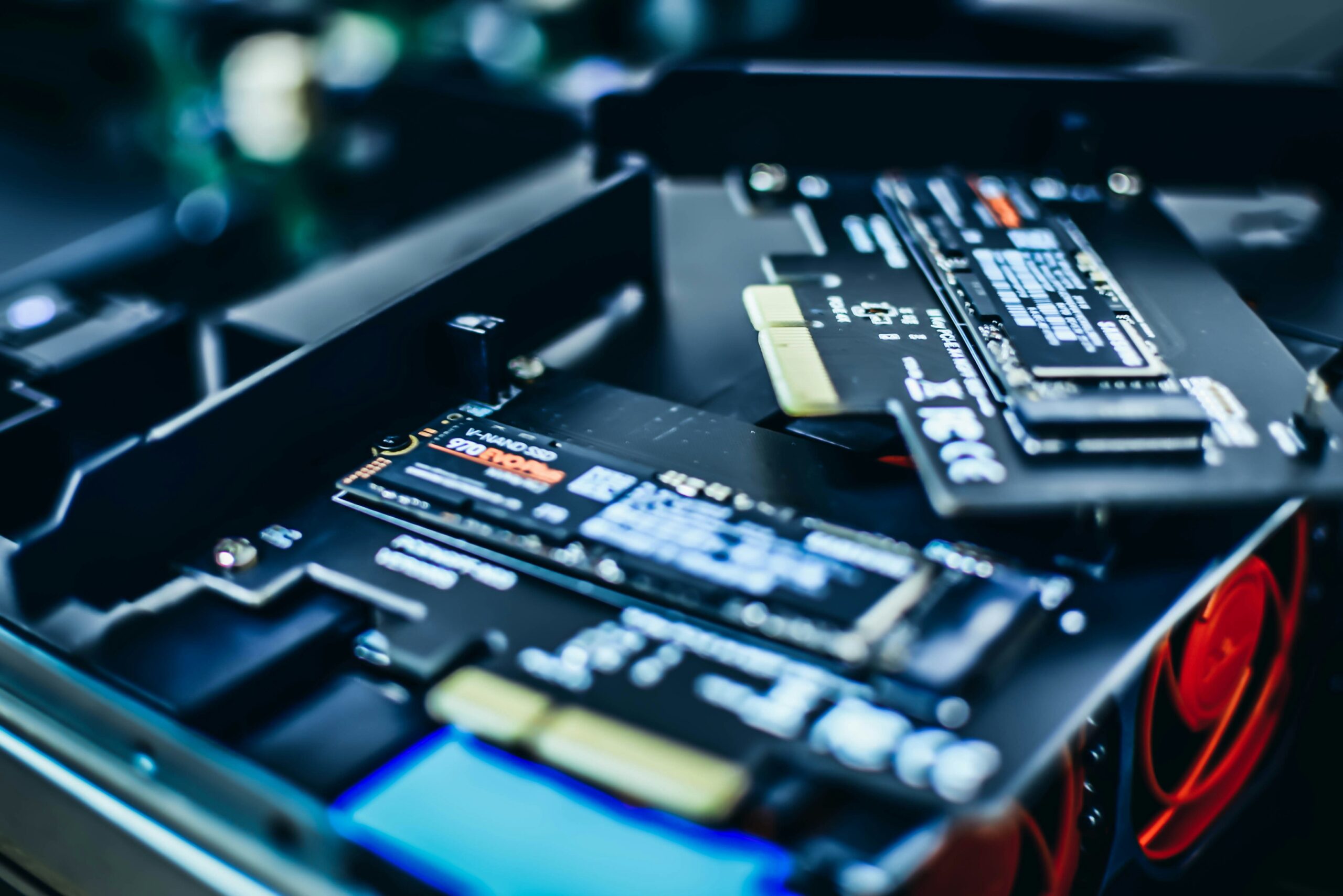
Moving your hard drive to an SSD is one of the fastest and cheapest ways to boost computer performance without changing any other components. This article will reveal the seven most noticeable performance gains from switching to an SSD.
1. Faster Boot Times
One of the first things you’ll notice is how fast your computer boots up. A solid state drive lets your computer load important files much faster than a spinning hard drive.
That means you won’t have to wait as long for things to load and can get right to work. It also makes restarts less annoying, which is useful when updates require a reboot.
2. Quicker App Launches
When you open a large programme like an editor, a spreadsheet, or a browser with many tabs, an SSD will speed up its launch. SSDs access data instantly, rather than waiting for a spinning disc to get to the right spot.
This benefit will be most noticeable with the apps you use most frequently. Throughout the day, even tiny time savings quickly accumulate as you open and close different programmes.
3. Smoother Multitasking
When you run multiple tasks on your computer at the same time, it constantly has to read and write small pieces of data. Traditional storage drives do this quite poorly because they rely on moving parts, which leads to delays.
With SSDs (solid-state drives), the system stays very responsive. You even experience fewer freezes when you switch tabs, open different files, or run many apps.
4. Faster File Transfers
It takes a lot less time to copy large folders, move videos, and back up files. SSDs have faster read and write speeds, which means that transfers happen more quickly and with less interruption.
The speed at which you can unzip large files or install software will also get better. Anything that moves a lot of data would be better with faster storage.
5. Better Performance in Creative Work
Storage speed is important if you work with photos, videos, or design software. Loading large assets, caching previews, and writing temporary files are all common tasks for projects.
When you have an SSD (solid-state drive), timelines may feel smoother and previews may load faster. Your CPU and RAM are still important, but the upgrade to the drive takes away a common slowdown.
6. Faster Updates and Installs
When you install programmes or update your system, you have to write many small files. This process can feel slow and take longer than it should on hard drives.
SSDs, which use flash memory for faster data access, make these background tasks feel like the whole machine is running faster. Also, you won’t have to wait as long for the “installing” bars to finish.
7. Less Noise and Better Efficiency
SSDs don’t make any noise and use less power, which can help laptop batteries last longer in real life.
You might notice that the system works harder, which means less heat and fewer sudden slowdowns. It makes things more comfortable as well as faster.
The Upgrade That Feels Like a New Computer
One of the most noticeable changes you can make is to switch to an SSD. Every day, your computer feels different when it boots up faster, lets you switch between tasks more easily, and lets you get to files faster. It’s hard to go back after having felt the difference.