
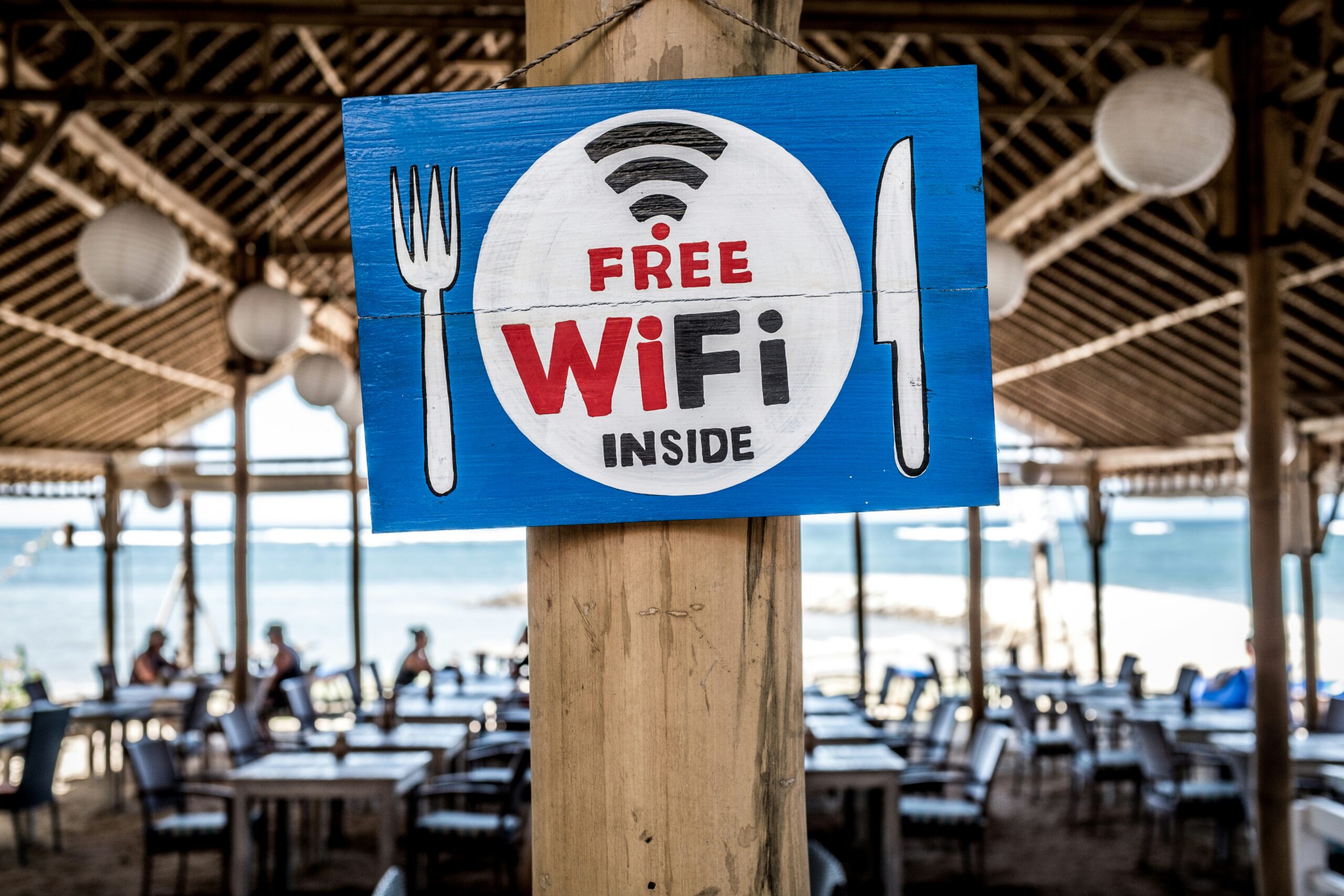
Coffee shops, airports, and hotels offer the convenience of free Wi-Fi, but these networks come with hidden risks that most people don’t fully understand. You don’t need to be a tech expert to protect yourself. All you need are just a few smart habits that can make all the difference.
1. Recognizing the Hidden Risks of Public Wi-Fi
Public Wi-Fi networks create opportunities for cybercriminals to intercept your data in ways that aren’t immediately obvious. Unencrypted traffic traveling across these networks can be captured by attackers, while “evil twin” hotspots, which are fake networks with legitimate-sounding names, trick users into connecting to malicious access points. Man-in-the-middle attacks allow criminals to position themselves between you and the connection point, secretly intercepting everything you send and receive. According to Statista, nearly 4 in 10 Americans report or suspect a security incident after using public Wi-Fi. Criminals exploit the convenience factor, knowing that people prioritize easy access over security when they’re away from home.
2. Choose Safe Connection Habits Before You Join
Before clicking “connect,” take a moment to verify the network name with staff or signage to ensure it’s legitimate. Avoid enabling auto-join features that connect your device to any available network without your explicit permission. Make sure your device’s operating system and security software are current, as updates often include critical security patches. Disable file sharing and AirDrop features that could expose your device to others on the network. The Federal Trade Commission advises not to assume any public Wi-Fi network is safe, even if it requires a password or appears to be provided by a reputable establishment.
3. Protect Your Data While Browsing and Doing Online Tasks
When using public Wi-Fi, always check that websites display “HTTPS” in the address bar along with the padlock icon, indicating an encrypted connection. Avoid conducting sensitive transactions like online banking, shopping, or accessing work accounts when connected to open Wi-Fi networks. For added protection when you browse or use apps over public Wi-Fi, using a reliable VPN creates an encrypted tunnel that keeps your data shielded from prying eyes, making it virtually impossible for attackers to intercept your information even on unsecured networks.
4. Use Devices and Networks Smartly – Backup Plan Included
Develop habits that minimize your exposure to public Wi-Fi risks. Remember to forget or disconnect from public networks when you’re finished using them, preventing automatic reconnection later. Toggle off Wi-Fi and Bluetooth when you don’t need them, lowering potential attack surfaces. Consider using your mobile hotspot or tethering to your phone as a safer alternative when you need internet access away from home. Keep regular backups of important data in case something does go wrong. As municipal Wi-Fi networks continue expanding across American cities, the stakes for personal device protection only increase, making these precautions more important than ever.
Staying safe on public Wi-Fi doesn’t require technical expertise, just awareness and a few practical habits. When recognizing the risks, verifying networks before connecting, protecting your data during use, and adopting smart device practices, you can enjoy the convenience of public Wi-Fi without compromising your security. The key is treating every public network as potentially unsafe and taking simple precautions that create multiple layers of protection between your personal information and potential attackers.