

Your internet connection carries more personal information than you might realize. Every day, you visit websites, check email, use banking services, and share information through apps. Some of that activity can expose details about your device, IP address, or browsing habits. The risks become more concerning when you connect through public Wi-Fi at airports, hotels, or coffee shops.
This is where a VPN app comes in.
A virtual private network (VPN) adds a layer of protection by encrypting internet traffic and routing it through a remote server. This makes it harder for people on the same network to inspect your data and helps limit the visibility of your original IP address. However, a VPN works best when you choose a trustworthy provider and maintain sensible security habits.
Understanding how this technology works helps you make better decisions about your online privacy. Here are five practical ways a VPN app can protect your connection and help you browse with greater confidence.
1. Encrypt Data Across Shared Networks
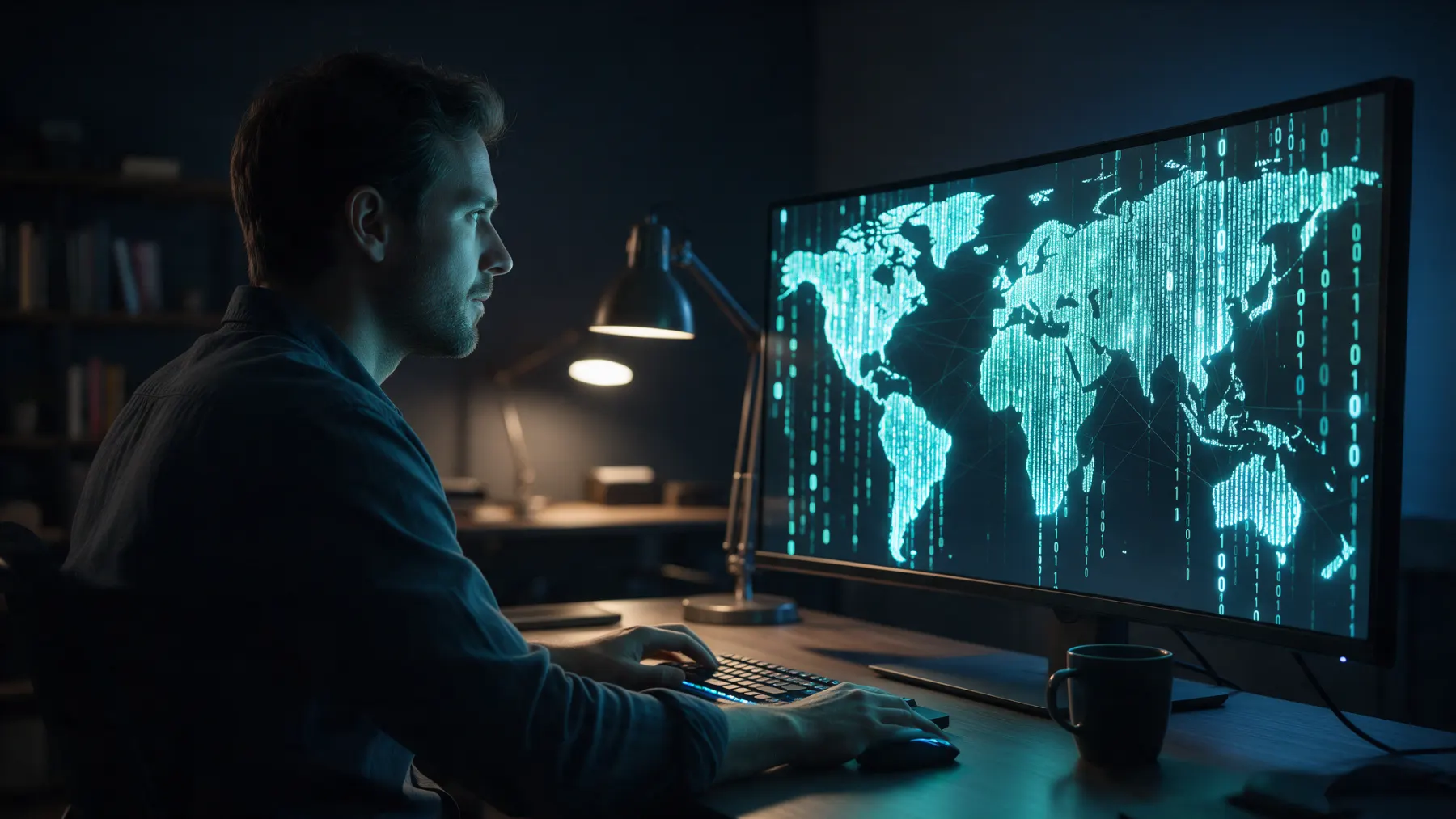
When you use public Wi-Fi, you cannot always tell how securely the network handles your traffic. A poorly secured hotspot may expose your connection to monitoring by other parties. On the other hand, choosing a reliable VPN app helps address this concern by creating an encrypted tunnel between your device and a VPN server.
Encryption converts readable information into protected data that unauthorized parties cannot easily interpret. Even if someone intercepts your traffic while it travels across a shared network, strong encryption makes the contents far harder to read. This protection is particularly useful when you check email, access personal accounts, or handle sensitive information away from home.
However, encryption does not make every online activity automatically safe. A VPN cannot stop you from entering your password on a fraudulent website or downloading malicious software. For better protection, combine encrypted connections with secure websites, strong passwords, and multifactor authentication wherever available.
2. Hide Your IP Address from Casual Tracking
Your IP address can reveal your approximate location and help websites distinguish your connection from others. Your internet service provider can observe aspects of your online activity, although encryption can limit what it sees about the contents of your traffic.
A VPN changes the public-facing IP address that websites typically see, replacing your original address with the VPN server’s address.
This change can make it harder for websites to associate your activity with your usual network connection. It can also limit the browsing information your internet provider can see. To illustrate this, when you browse at home using a VPN, your provider typically only notices an encrypted connection to the VPN server and does not know the contents of any of your encrypted traffic.
Nevertheless, concealing your IP address is not the same thing as being totally anonymous. Websites can recognize you using account logins, cookies, browser fingerprints, and other tracking technologies.
So, to strengthen your privacy, review your browser permissions, restrict unnecessary cookies, and avoid signing in to personal accounts when greater anonymity matters.
3. Reduce Exposure on Public Wi-Fi
Public Wi-Fi is convenient when you travel, work remotely, or need internet access outside your home. However, you may have little control over the network’s security settings or the people connected to it. A VPN provides an additional layer of security by encrypting traffic between your device and the VPN server, making protected data harder for others on the network to intercept.
This additional layer helps when you need to access workplace platforms, read emails, or check personal accounts from a hotel or airport. Protection may be simplified with automatic connection settings by turning on the VPN each time your device is connected to a new network. There is no need to fully depend on remembering to connect each time.
You need to be cautious of networks even when using a VPN. Confirm the official network name with staff when possible, keep your device updated, and disable automatic connections to unknown hotspots. Use mobile data for especially sensitive tasks if a public network seems suspicious or unreliable.
4. Prevent Data Leaks with Built-In Protection
A VPN helps prevent data leaks by routing your internet traffic through an encrypted tunnel between your device and the VPN server. This complicates your online behavior by making it difficult to be intercepted or read by unauthorized parties when the connection is encrypted. The protection, however, will be determined by the features and configuration of the VPN.
DNS leak protection is used to make sure that domain lookup requests are sent across the desired VPN connection instead of being redirected to your internet service provider. Other VPN apps also come with IPv6 leak protection to minimize the chances of revealing your initial IP address using unsupported network traffic. These are security measures that can make your browsing history and connection information more confidential.
To be more secure, a VPN application with DNS and IP leak protection is recommended; make sure that the corresponding options are enabled. A kill switch is also an option, which halts internet usage in case the VPN connection breaks down suddenly. Together, these features help reduce accidental exposure of your IP address and other connection information.
5. Support Safer Habits Alongside VPN Protection
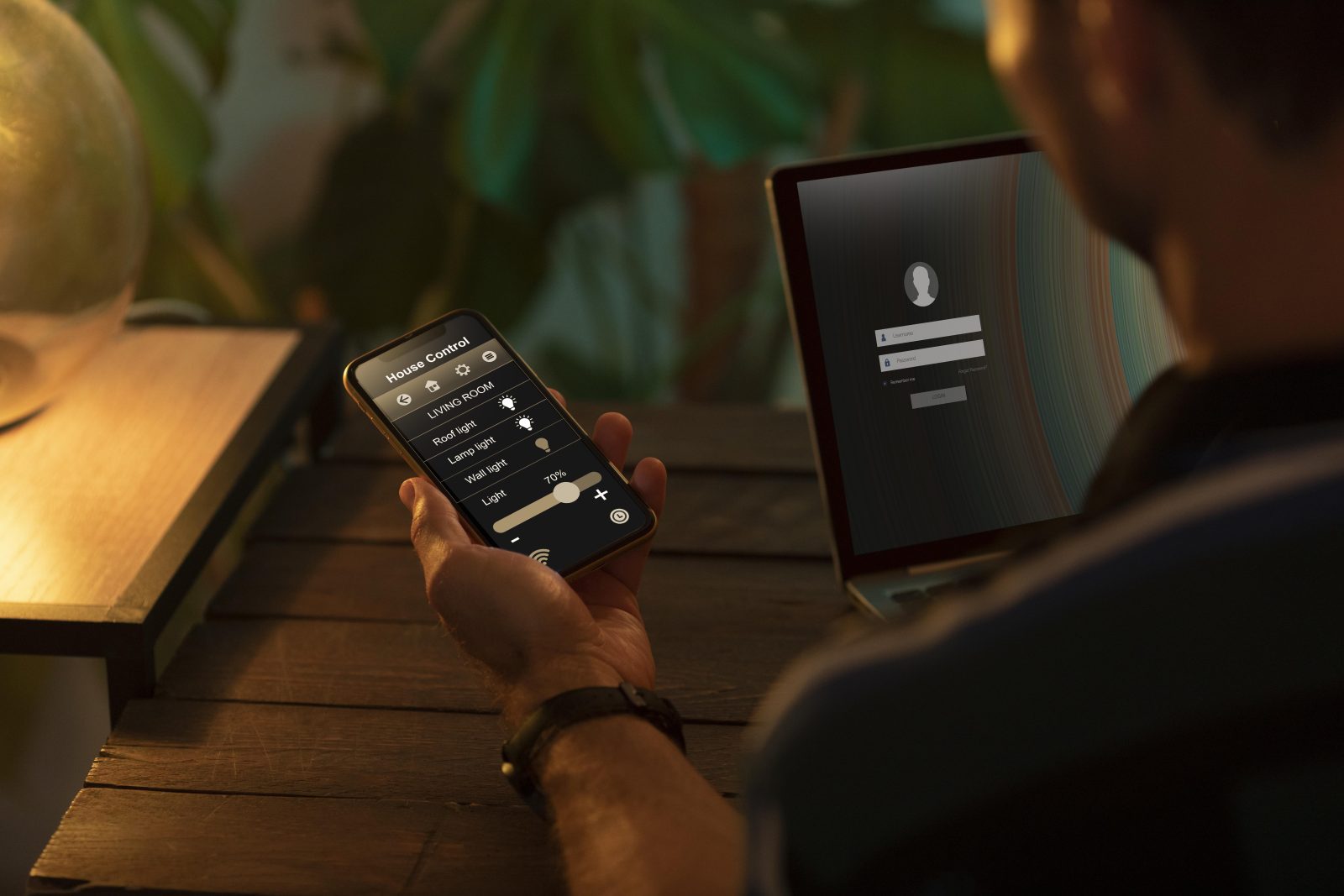
A VPN can be most effective as a component of a larger privacy practice. Begin by selecting a provider with a transparent privacy policy, modern encryption, secure protocols, and clear information about data retention. Independent security audits may provide some extra evidence regarding the practices of a provider, but there are no circumstances when any single audit can be viewed as total protection.
The type of app you use is important since it makes the VPN provider a trusted intermediary of your internet traffic. A questionable service can gather more information than anticipated, provide intrusive advertising, or have insufficient security measures. Before installing an app, read the privacy policy, verify the reputation of the developer and check what permissions it is seeking.
After installing an appropriate app, make sure that you update it and use the automatic protection option if it is provided. Turn off a kill switch when necessary, pick a nearby server to perform better, and only turn it off once you have knowledge of the privacy trade-off. Continue using secure passwords, multifactor authentication, reputable antivirus protection, and careful browsing habits. A VPN makes your connection more secure, but cannot substitute these critical measures.
Conclusion
Online privacy can be enhanced with the help of a VPN application that encrypts internet traffic, hides your IP address, minimizes exposure on open Wi-Fi, and minimizes unintentional data leaks in the event that the appropriate protective measures are activated. These advantages can be applied both at home and at work, as well as when traveling.
Begin by choosing a reliable VPN, downloading the right version to your device, and setting it to auto-connect and avoid leaks where possible. Combine them with new software and effective account protection. These habits can help make your daily internet usage more personal, without thinking that one particular tool can eradicate all risks online.