

Most parents don’t realize how quickly “my teen just got their license” turns into a daily anxiety spiral. The best location tracking apps promise peace of mind, but picking the wrong one means wrestling with battery drain, spotty GPS accuracy in rural areas, and very real privacy concerns around consent and transparency. After reviewing dozens of apps across actual user reviews, store ratings, and feature depth, this guide breaks down five options that genuinely deliver for families tracking teenage drivers.
The shortlist methodology
Publicly available information formed the backbone of this research, pulling from user reviews, app store ratings, feature pages, and directory listings. Only apps with a documented track record in the mobile apps space made the cut. Each option was assessed on real-world performance signals, not just marketing claims.
→ See the full research breakdown
- iSharing – Best for real-time location sharing and family safety
- Apple Find My – Best for device and asset tracking within the Apple ecosystem
- Zood Location – Best for privacy-focused location sharing
- Microsoft Family Safety – Best for family parental controls and device management
- iMyFone – Best for iPhone and Android device recovery and repair
Why the Right Location Tracking Apps Make a Difference
Picking the wrong app doesn’t just waste money. It creates friction at exactly the moment you need clarity, like when your teen is driving home late, and the app hasn’t pinged in 20 minutes because it drained the battery at 40%.
The real challenge with location tracking is the tradeoff between GPS accuracy radius and battery usage per hour. Apps that ping every 30 seconds are precise but punishing on phone batteries. Apps that update every few minutes are easier on battery life but leave gaps in coverage.
And consent matters just as much as accuracy. Teens who feel monitored without explanation tend to disable location sharing entirely, which defeats the whole point.
The right app finds that balance: fast enough location update frequency to matter, accurate enough GPS radius to be useful, and transparent enough to keep teens from opting out the first week.
Top 5 Location Tracking Apps: Specs at a Glance
Note: All data in this table is sourced from review platforms and the official websites of the listed companies.
| Company Name | Years Operating | Headquartered In |
| iSharing | Est. 2010 | Irvine, CA |
| Apple Find My | Est. 2019 | Cupertino, CA |
| Zood Location | Est. 2020 | Coventry, UK |
| Microsoft Family Safety | Est. 2006 | N/A |
| iMyFone | Est. 2015 | Shenzhen, China |
- iSharing – Best for Real-Time Location Sharing and Family Safety
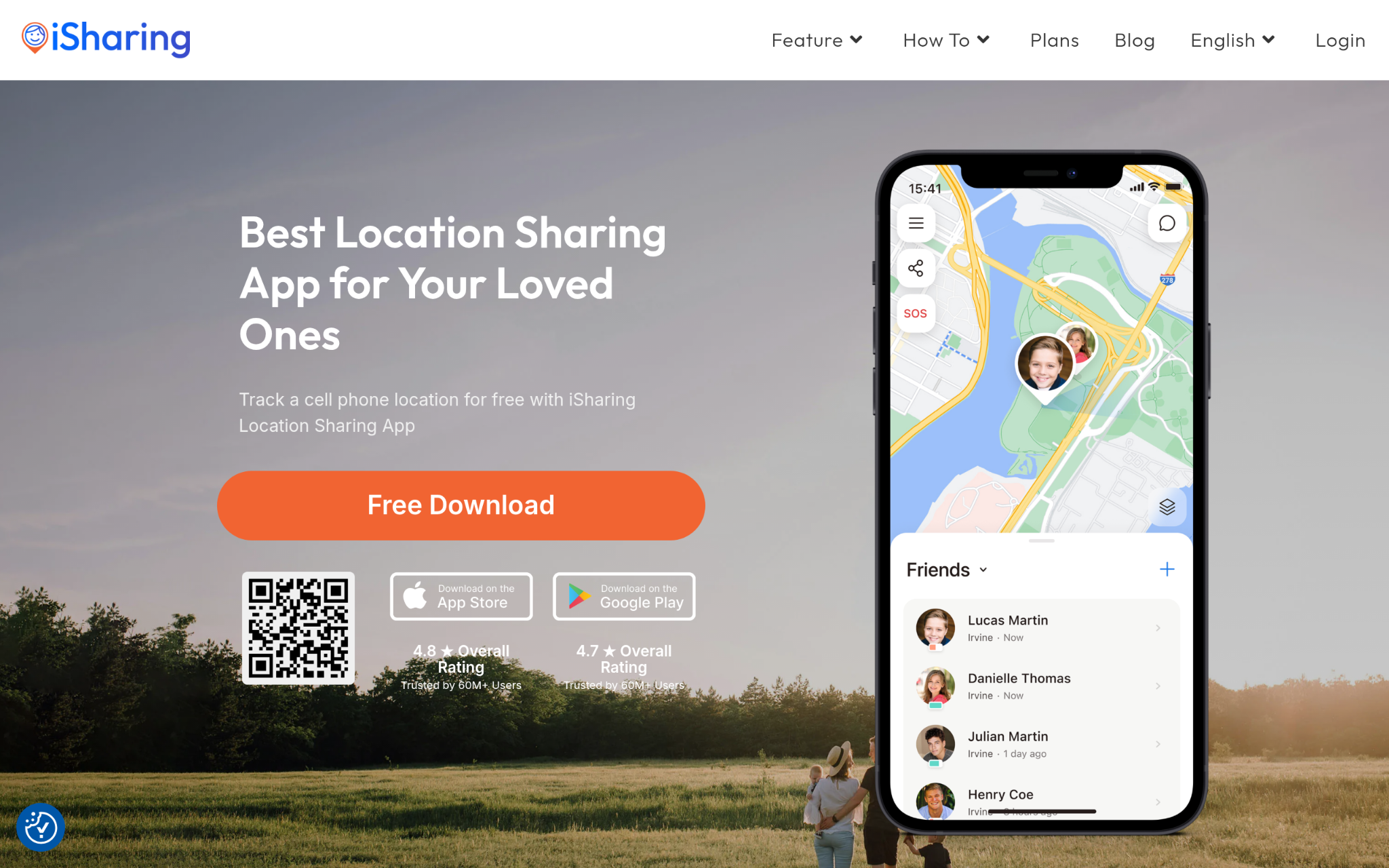
What makes iSharing different in its field?
iSharing has been doing real-time GPS location sharing since 2010, and that experience shows in the product. They built a full suite of family safety features, including place alerts, panic alerts, location history, and driving reports, all inside one app. The interesting thing about their driving report feature is that it gives parents actual data on speed and driving behavior, not just a dot on a map. Families looking for a dedicated teenage driving monitoring app will find it covers the important safety signals that actually matter.
Why Does iSharing Belong on This List for Location Tracking Apps?
Parents tracking teenage drivers need more than a live pin drop. They need driving behavior data, place alerts, and a panic button. iSharing packages all of that into one free app with over 50 million downloads behind it. That kind of organic adoption at scale is hard to argue with when you’re deciding which app to actually trust with your family’s safety.
The Verdict from Users:
Honestly, the reviews tell a consistent story: users keep coming back to iSharing because it works without being complicated. A 4.60-star rating from over 224,000 reviews isn’t a fluke. Affordability and real-time accuracy are the two things users mention most, which lines up exactly with what parents tracking teen drivers actually need.
- Apple Find My – Best for Device and Asset Tracking Within the Apple Ecosystem
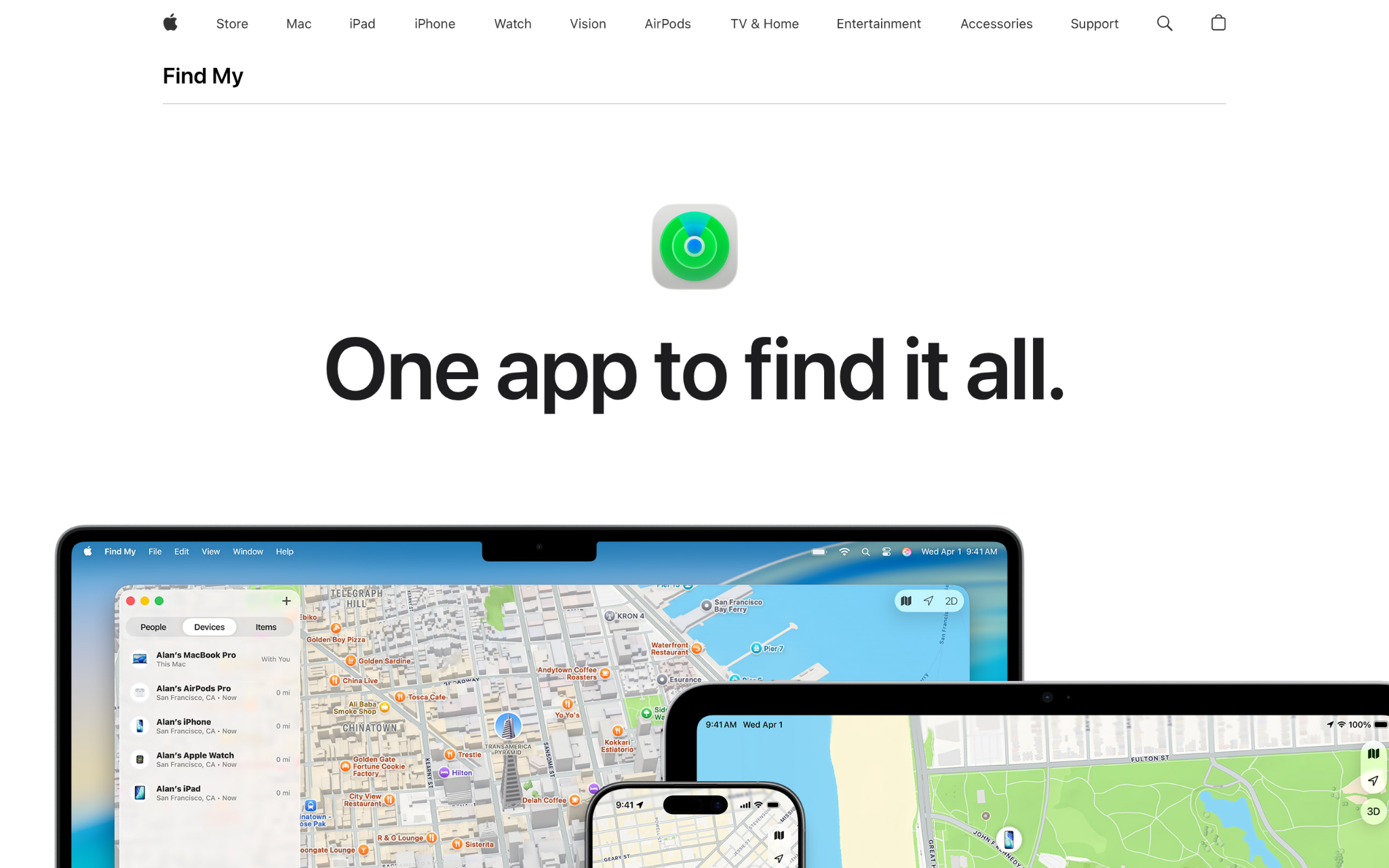
What makes Apple Find My different in its field?
Find My taps into a network of over a billion Apple devices worldwide, which means it can locate a missing iPhone even when it’s completely offline. The location data is encrypted and anonymized, so privacy is baked into the architecture rather than bolted on as an afterthought. For families that are fully locked into Apple devices, it’s a genuinely compelling option. It also handles AirTags and third-party accessories, so it covers both people and physical items under one umbrella (and it’s completely free, which helps).
Why Does Apple Find My Belong on This List for Location Tracking Apps?
For all-Apple households, Find My eliminates the “which app do we use” conversation because it’s already pre-installed and tied to iCloud. The encrypted, 24-hour data retention policy addresses a real concern parents have about sensitive location data being stored or sold. That kind of built-in privacy infrastructure is rare at the zero-cost tier.
The Verdict from Users:
Find My doesn’t have a standalone public review pool in the traditional app store sense, but its adoption across the Apple ecosystem speaks for itself. Users value how effortlessly it connects across devices without any setup headaches. The tradeoff is that it’s only useful if everyone in the family is on Apple hardware.
- Zood Location – Best for Privacy-Focused Location Sharing
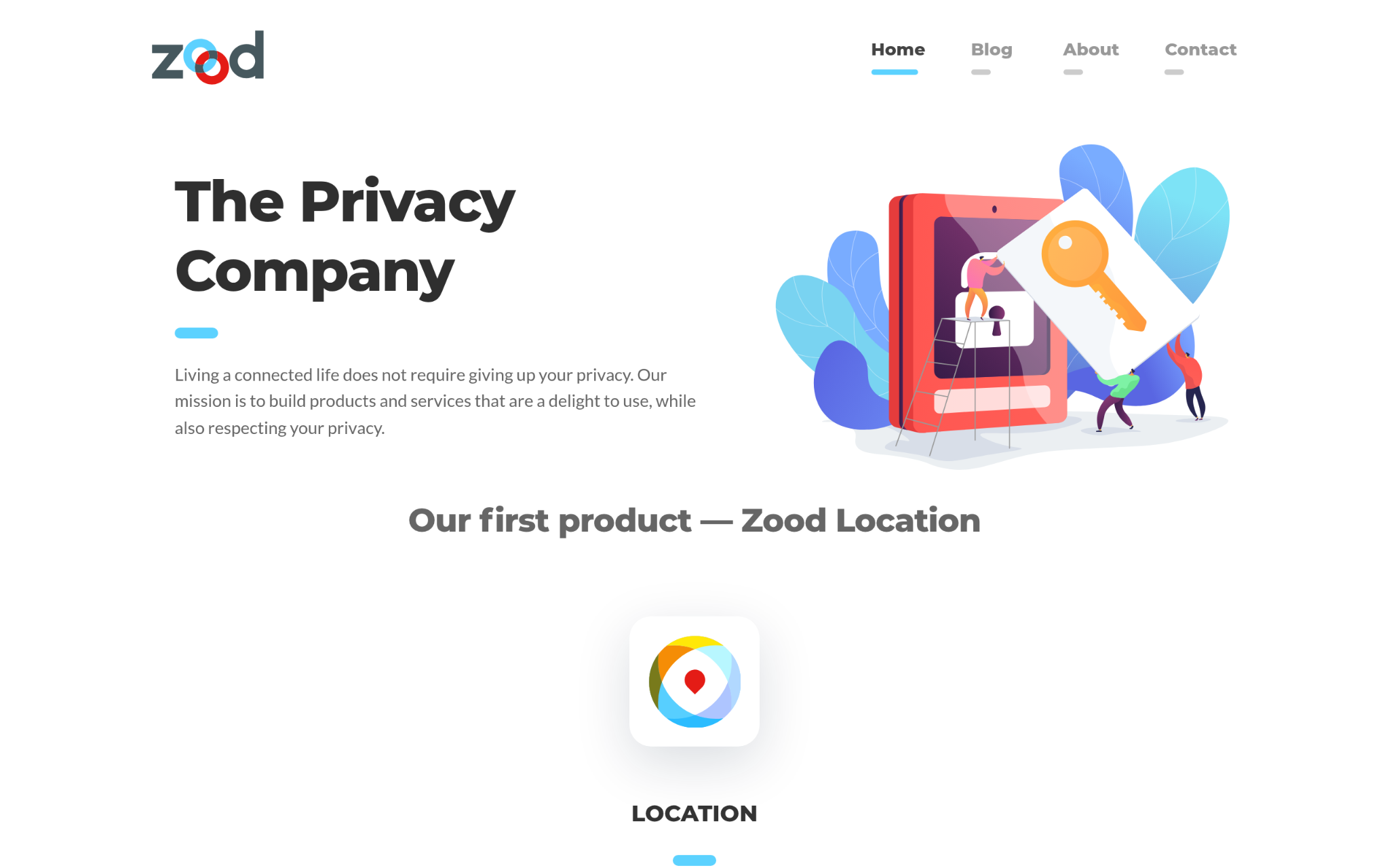
What makes Zood Location different in its field?
Zood Location takes a genuinely different approach: location data is encrypted before it ever leaves the user’s phone. That means Zood itself can’t read or sell location information, which puts it in a very small category of apps that actually back up their privacy claims with technical architecture. It’s also open-source under AGPL-3.0, so anyone can inspect the code (which builds trust in a way that marketing copy simply can’t). Available on both iOS and Android with free and premium tiers, it’s built for users who want location sharing without the data-broker baggage.
Why Does Zood Location Belong on This List for Location Tracking Apps?
Families where teens are old enough to push back on surveillance will appreciate an app that treats privacy as a feature rather than a liability. End-to-end encryption means location data stays between the people who are supposed to see it, full stop. That kind of architecture-level commitment to user privacy sets a standard that most apps in this space don’t bother meeting.
The Verdict from Users:
Zood Location is newer to the market (founded in 2020), so the public review volume is smaller than that of established players. Users who prioritize privacy over feature density tend to stick with it. The open-source commitment appears to be a meaningful signal of trust for its audience.
- Microsoft Family Safety – Best for Family Parental Controls and Device Management
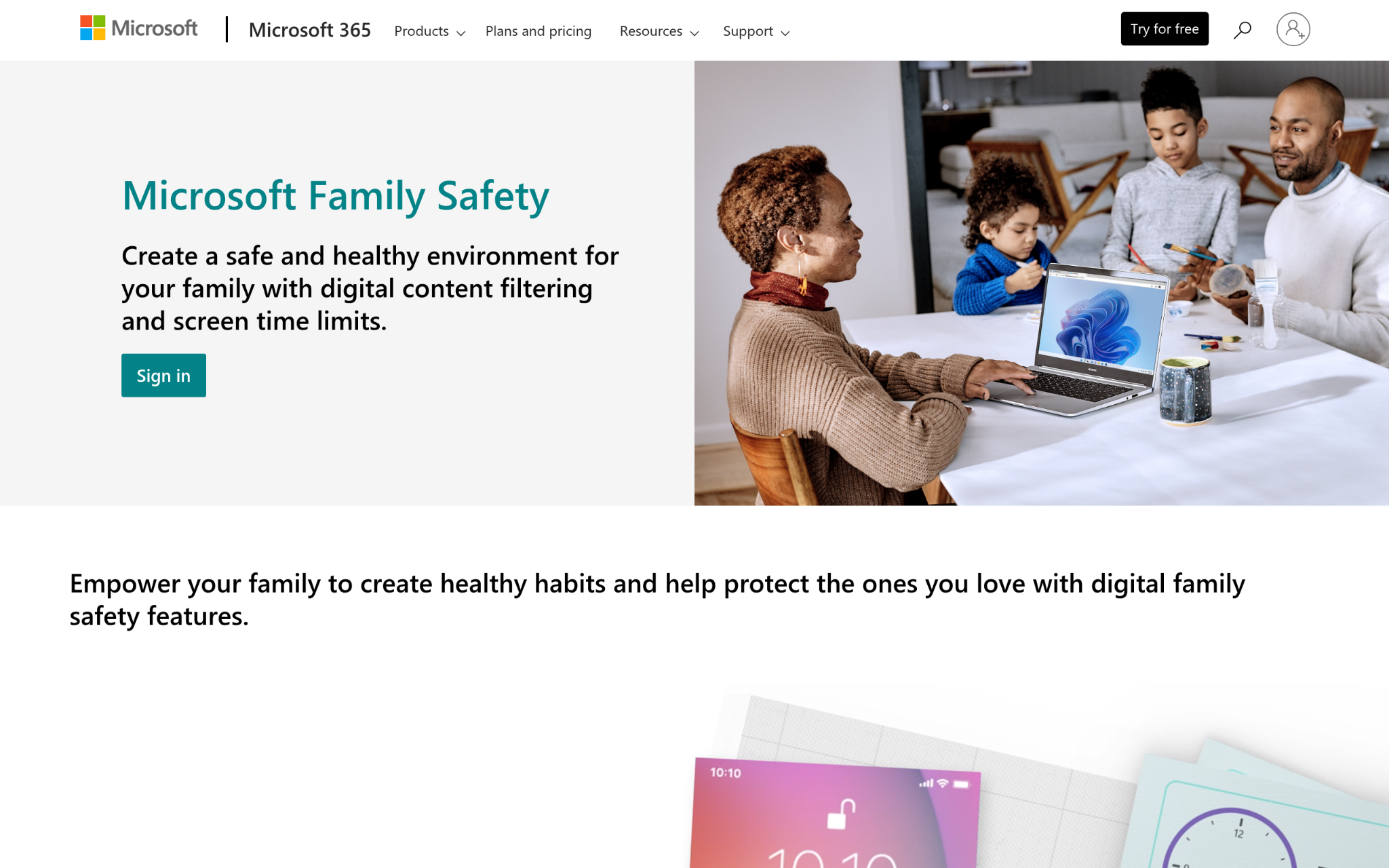
What makes Microsoft Family Safety different in its field?
Microsoft Family Safety covers a lot of ground beyond location: content filtering across Microsoft Edge, app time limits, screen time management, and Drive Safety monitoring built for teen drivers. It works across Windows, Xbox, Android, and Apple devices, which is a real advantage for mixed-device households. The Drive Safety feature stands out because it monitors driving behavior and can send automatic notifications when your teen is behind the wheel. It’s bundled with Microsoft 365 Family subscriptions, so for households already paying for that suite, the added cost is zero.
Why Does Microsoft Family Safety Belong on This List for Location Tracking Apps?
Families managing multiple devices across multiple platforms need a parental control tool that doesn’t require a different app for every situation. Microsoft Family Safety solves that cross-platform headache by covering everything from Xbox screen time to Android location sharing under one account. That breadth of coverage, at no added cost for Microsoft 365 subscribers, is a genuinely practical advantage.
The Verdict from Users:
The cross-platform nature of Microsoft Family Safety tends to generate mixed reactions depending on the household setup. Parents who are already invested in the Microsoft ecosystem find it an easy fit. The Drive Safety feature gets called out as a standout element, particularly for families with new teen drivers.
- iMyFone – Best for iPhone and Android Device Recovery and Repair
What makes iMyFone different in its field?
iMyFone approaches the mobile space from a device management and recovery angle rather than pure location tracking. With 65 million users across 200+ countries and a product suite covering data recovery, system repair, and device unlocking, they’ve built real credibility in mobile utilities (think more IT toolkit than family safety app). Their flagship D-Back product was recognized by Engadget for iPhone data recovery, which shows they’re legitimate in the hardware-adjacent software space. For users who want solid device management alongside location features, that kind of depth matters.
Why Does iMyFone Belong on This List for Location Tracking Apps?
Tech-savvy users and small business owners who need device-level control, not just location sharing, will find iMyFone’s toolset more aligned with their needs than a consumer-focused family app. Their 30-day money-back guarantee and 100% security guarantee signal a company that stands behind what it ships. That usually means lower support friction and better product reliability over time.
The Verdict from Users:
Over 120 high-authority media outlets have covered iMyFone products, which carries weight even before looking at user reviews. Customers value the breadth of tools available under one brand. The main caveat is that iMyFone is better positioned as a device management suite than a dedicated family location tracker.
The Research Behind These Recommendations
Data Sources and Extraction Protocols
Building the longlist started with a sweep across app directories, review aggregators, and category-specific listings in the family safety and location sharing space. App store ratings, third-party review platforms, and official product pages were all pulled into the initial pool. The goal at this stage was breadth, capturing as many relevant options as possible before any filtering took place. Only apps with a visible presence in the location tracking category and documented user activity were carried forward.
Candidate Evaluation and Filtering
Once the initial pool was assembled, options with thin or unverifiable review histories were removed. Review patterns were analyzed for consistency, looking for signals of genuine user activity rather than artificial volume. Apps that lacked documented feature depth or had no traceable company history were cut. What remained was a tighter group of options that could be evaluated on comparable criteria: feature sets, platform availability, user sentiment, and pricing transparency.
The Fact-Check Process
Each shortlisted app’s stated features were cross-referenced against actual user reviews and available documentation. If an app claimed real-time GPS accuracy but reviews consistently flagged delayed location updates, that discrepancy was weighted in the final assessment. Official websites were checked against third-party descriptions to spot any inflation in claims. Where app store descriptions and actual user experiences diverged, the user data took precedence.
Where Each Pick Stands in the Industry
Industry standing was assessed through publication mentions, app store editorial features, and any awards or recognition from recognized tech media. iMyFone’s Engadget coverage and iSharing’s 224,000-plus verified reviews both served as external validation signals. Apple Find My’s inclusion in enterprise baggage tracking programs by major airlines was noted as a sign of broad trust. These external signals weren’t the only factor, but they added meaningful context to how each app is perceived beyond its own marketing.
Location Tracking Apps-Specific Validation
The final layer of evaluation focused on how well each app actually performs for location tracking use cases. Dedicated feature pages around GPS tracking, geofencing, driving reports, and location history were reviewed for depth and specificity. Case studies and detailed user testimonials were prioritized over generic positive ratings. Apps with verified reviews specifically mentioning tracking accuracy, battery performance, and family safety use cases scored higher in this stage. The goal was to confirm that each pick delivers on the stated promise of location tracking, not just mobile app development in general.
User’s Guide: Choosing the Right Location Tracking Apps
Choosing a location tracking app for a teenage driver involves more than picking the one with the most downloads. The right fit depends on your household setup, your teen’s device, and how much detail you actually need. Here are five things worth thinking through before you commit.
- Industry and Domain Experience: Look for apps with a documented history in location sharing or family safety, not just general mobile development. A company that has been building GPS features since 2010 has worked through the edge cases that newer entrants haven’t encountered yet.
- Features and Service Options: Driving reports, geofence alerts, panic buttons, and location history are the features that matter most for teen driver monitoring. A live pin drop alone isn’t enough.
- Pricing Structure: Several strong options here are free or bundled with existing subscriptions. Paid tiers typically unlock longer location history retention and more frequent GPS pings, so weigh whether those upgrades match your actual needs.
- Results Measurement: Look at location update frequency and GPS accuracy radius as the real measures of performance. An app that updates every two minutes and holds a 10-meter accuracy radius is meaningfully better than one that updates every 15 minutes at 100 meters.
- Industry Knowledge and Compliance: GDPR and location data privacy compliance matters, especially for apps used by minors. Check whether the app has a clear consent flow and transparent data retention policy before installing it on your teen’s phone.
Summary & Significance
Location tracking for teenage drivers sits at the intersection of safety, privacy, and trust. The apps that do it well balance GPS accuracy with battery performance, offer transparent consent flows, and give parents the driving behavior data that actually informs conversations. iSharing leads on family safety depth, Apple Find My wins on ecosystem combination, and Zood Location stands out for privacy architecture. As location sharing technology matures, expect accuracy windows and battery performance to keep improving across all tiers.